Press & Media Kit
The only AI dictation for Mac where transcription and the AI cleanup run 100% on-device. Nothing leaves your machine.
Boilerplate · ~50 words
Sprich is AI dictation for Mac that runs 100% on-device — speech-to-text and AI cleanup, all on your machine, private and offline. Three modes you control: Literal, Formal, and a Custom mode you shape with your own prompt — no limits. Prefer cloud? Bring your own API key. One hotkey: speak, and clean text lands at your cursor.
Description · for feature articles
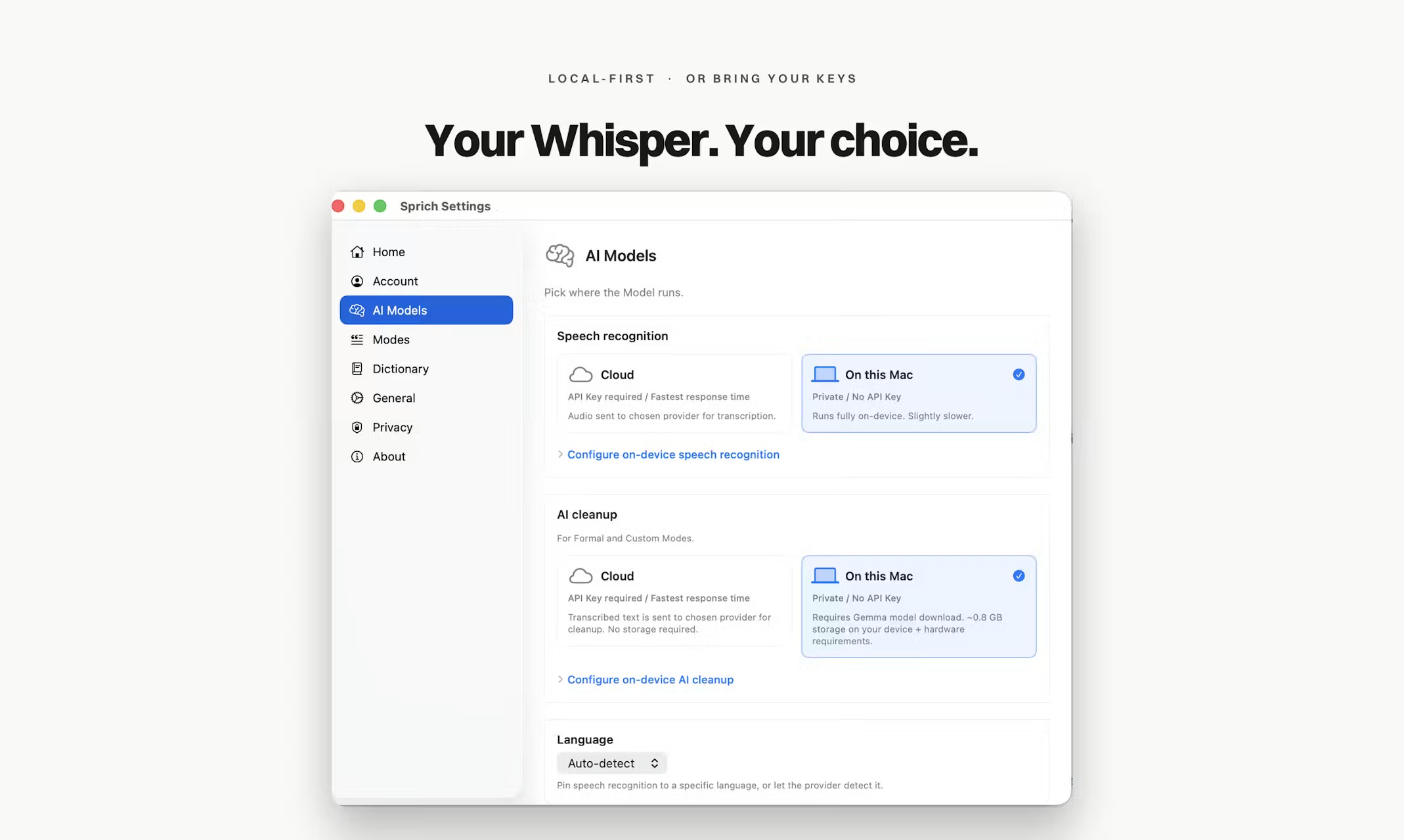
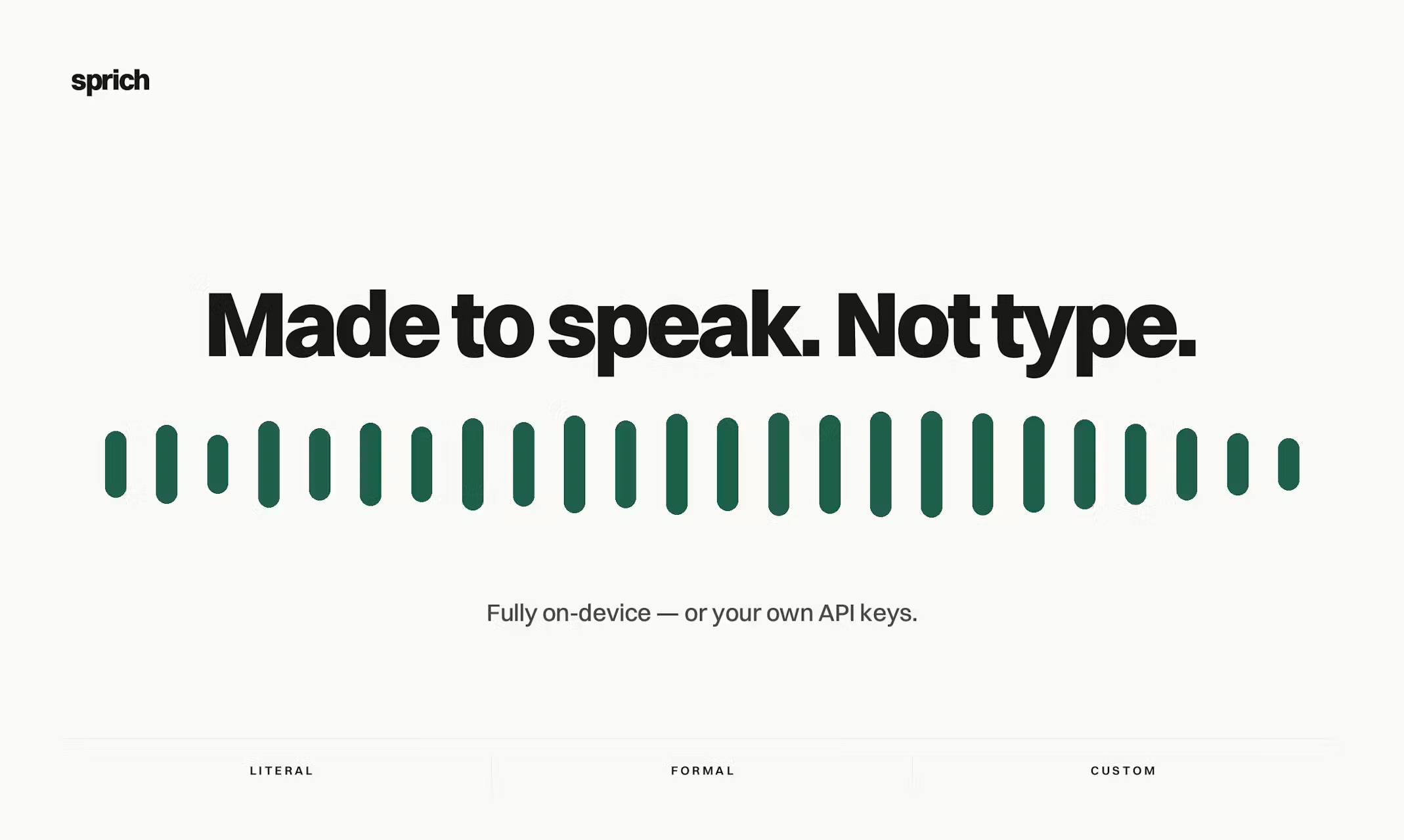
Sprich is a native macOS dictation app built by a solo founder on two ideas: it runs entirely on your Mac, and it bends to how you actually work. The whole pipeline is on-device — Whisper transcribes speech, then a local Gemma model cleans up the raw transcript, removing filler, fixing structure, and matching the tone of wherever you’re typing. Your voice never leaves the device, there are no per-use cloud costs, and it works fully offline, even on a plane. You pick the on-device models that fit your Mac — or bring your own cloud API key (OpenAI, Anthropic, Groq, Gemini, Deepgram), stored in the macOS Keychain and never proxied.
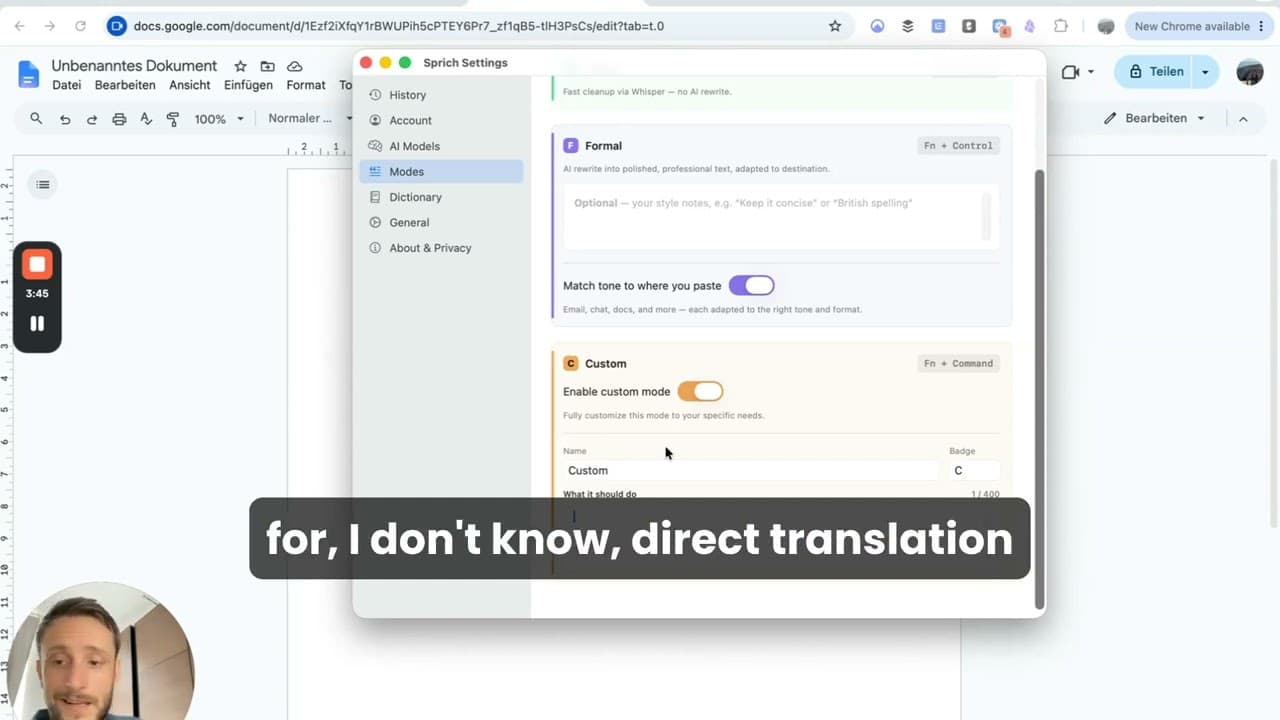
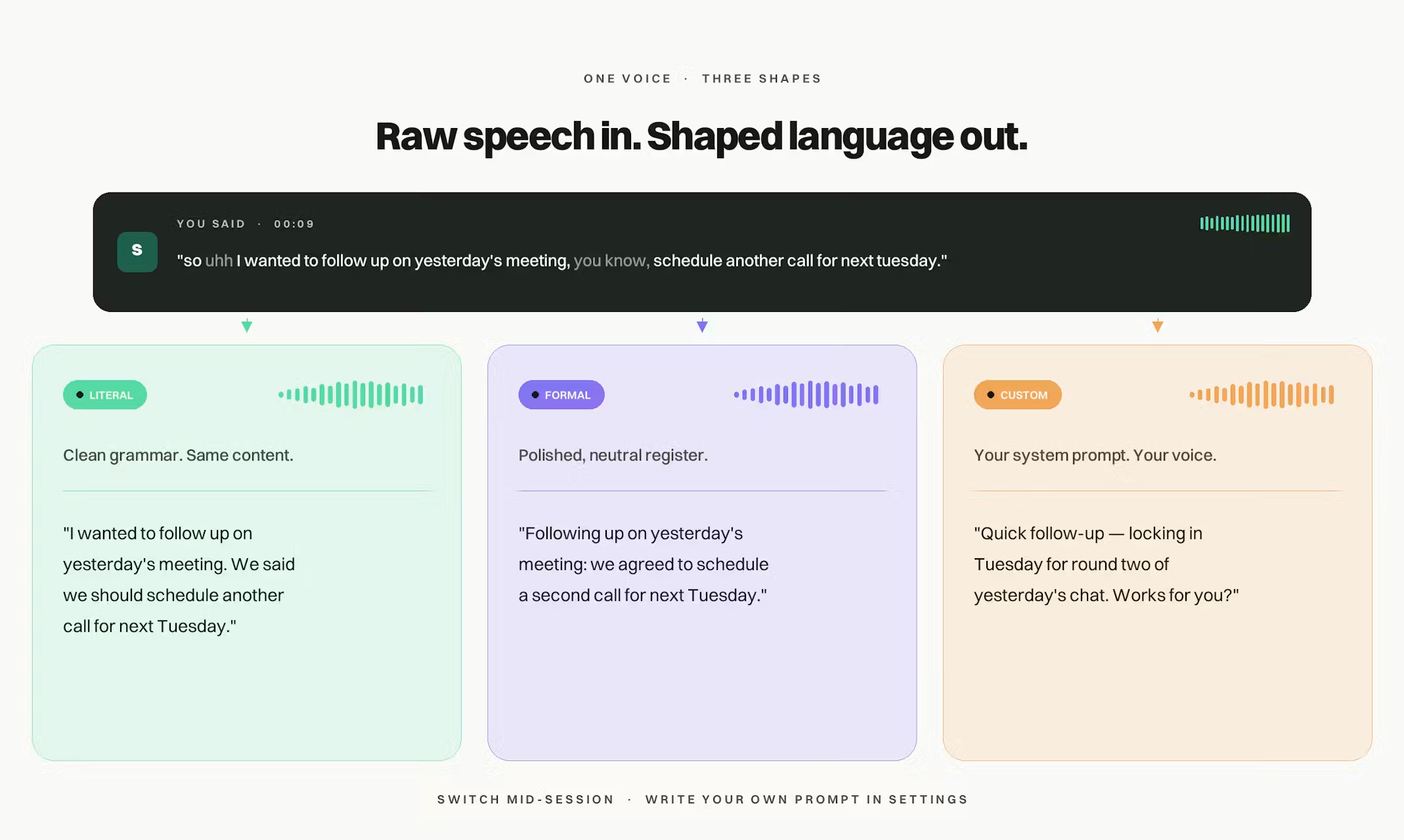
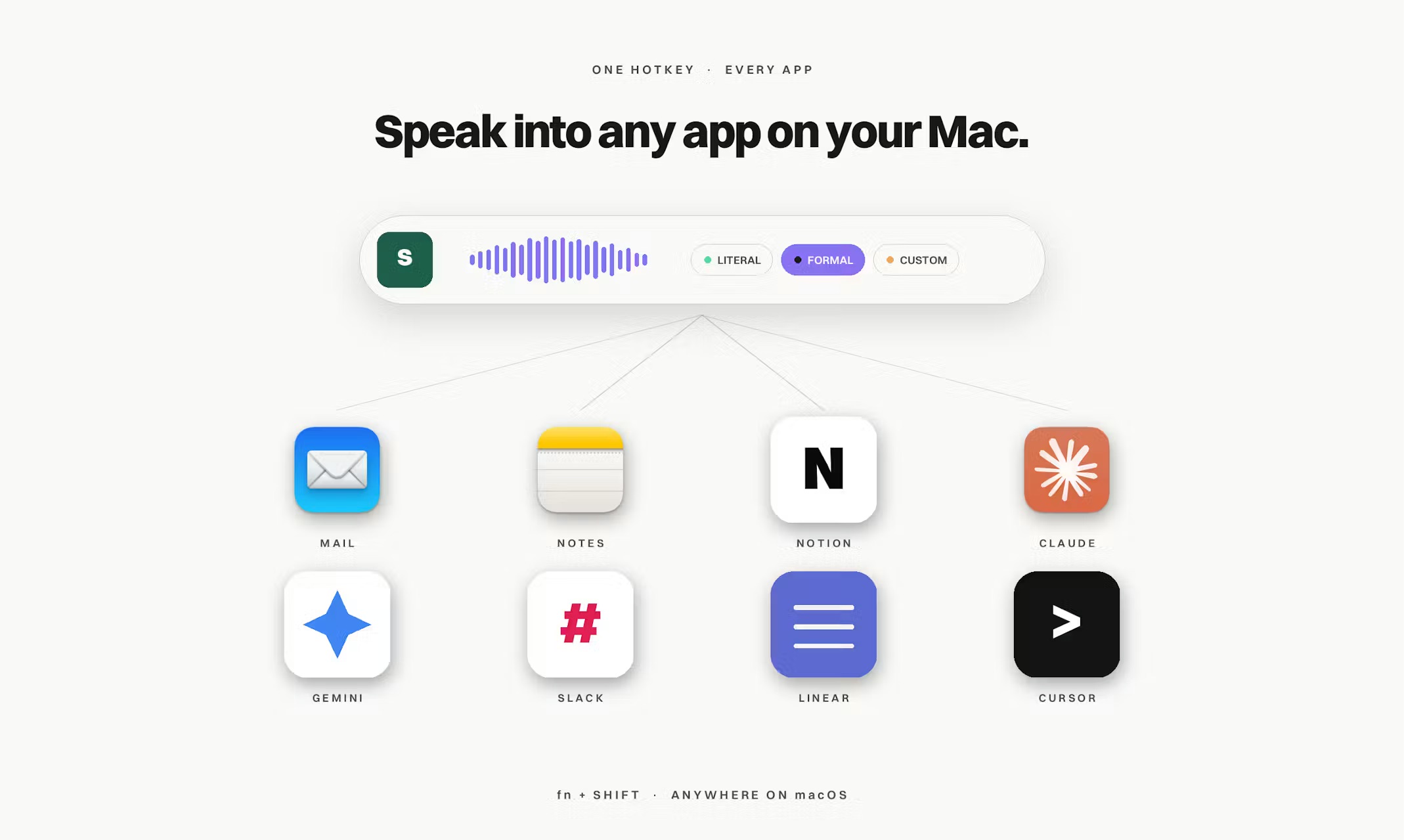
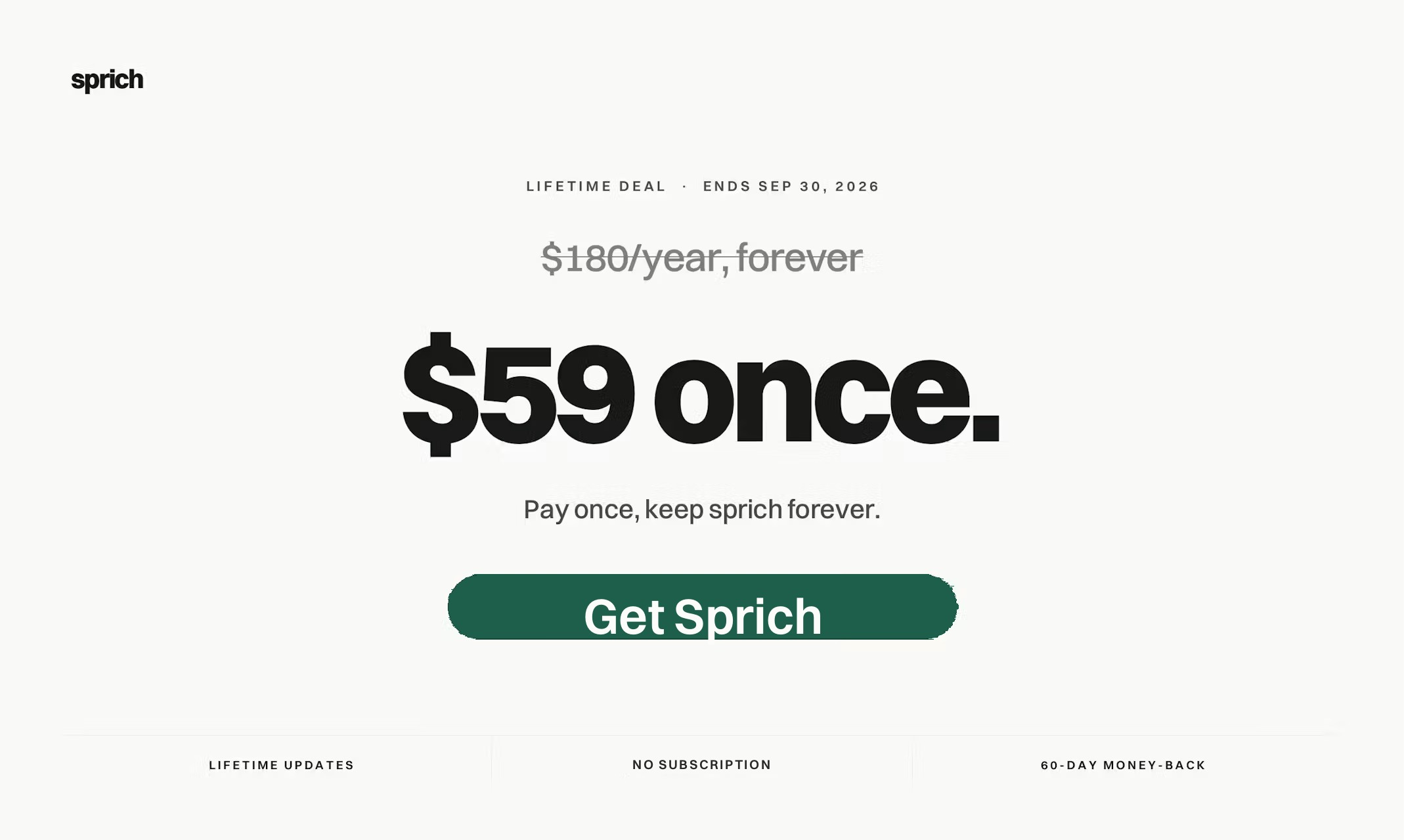
The real power is control. Three modes switch with one keystroke: Literal cleans up raw dictation, Formal turns a spoken ramble into polished writing, and Custom is yours to define — write your own system prompt and Sprich does exactly that, whether it’s Slack replies, commit messages, or support tickets. No limits. A single global hotkey works anywhere in macOS: press, speak, and a polished draft lands in the focused field. Sprich supports 15 languages with auto-detection, is notarized, and ships signed auto-updates. And because it’s fully local, it’s just as at home with sensitive work that can’t go through the cloud — the kind lawyers, doctors, and consultants can’t run through a third-party server. It launches on Product Hunt on June 17, 2026, priced at $59 one-time with a 7-day free trial — no subscription.
Fact sheet
Founder
Nico Nuscheleris the solo founder of Sprich. He spent five years inside Google Cloud’s EMEA marketing organization building go-to-market and demand-generation systems, and is an engineer by training. He built Sprich as the privacy-first dictation tool he wanted and couldn’t find.
Brand assets · ready to use
Logos and the app icon, self-hosted. Click any asset to download. Please keep the forest green (#1F5F4B) and don’t recolor the mark.


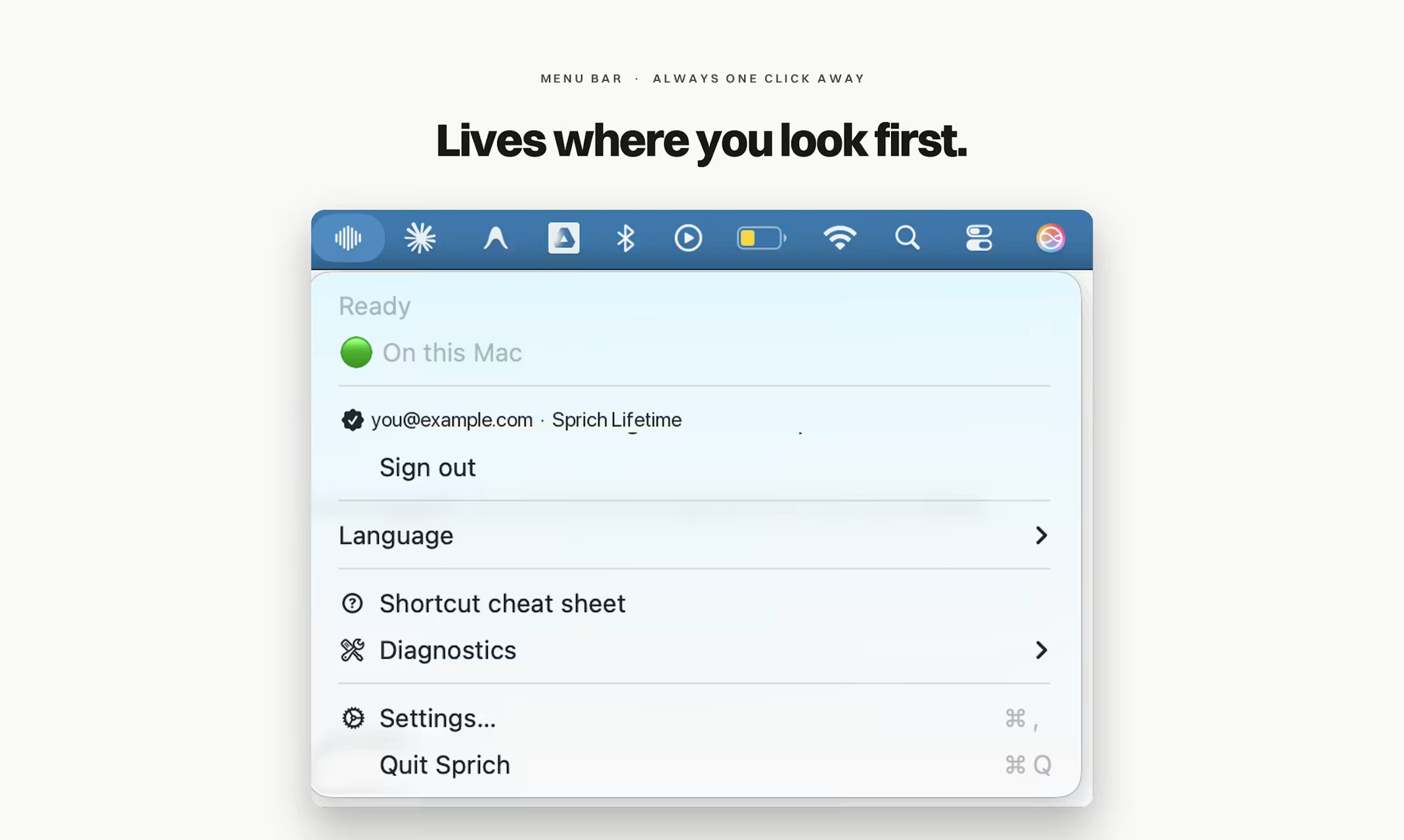
Product screenshots
Full-resolution images (2138×1279). Click any image to open the original. Free to use in coverage of Sprich.
Demo video
A walkthrough of the full speak-to-clean-text flow, on-device modes, and settings. Opens on YouTube.